No camera. No barcodes.
A calorie tracker app that never needs a photo.
BetterCal has no camera and no barcode scanner. You describe what you ate, by voice or by typing, and the AI does the nutrition. This is a deliberate design decision, not a missing feature.
Updated


The problem with photographing your food
Photo calorie counters have to solve two hard problems at once, and they are quiet about the second one.
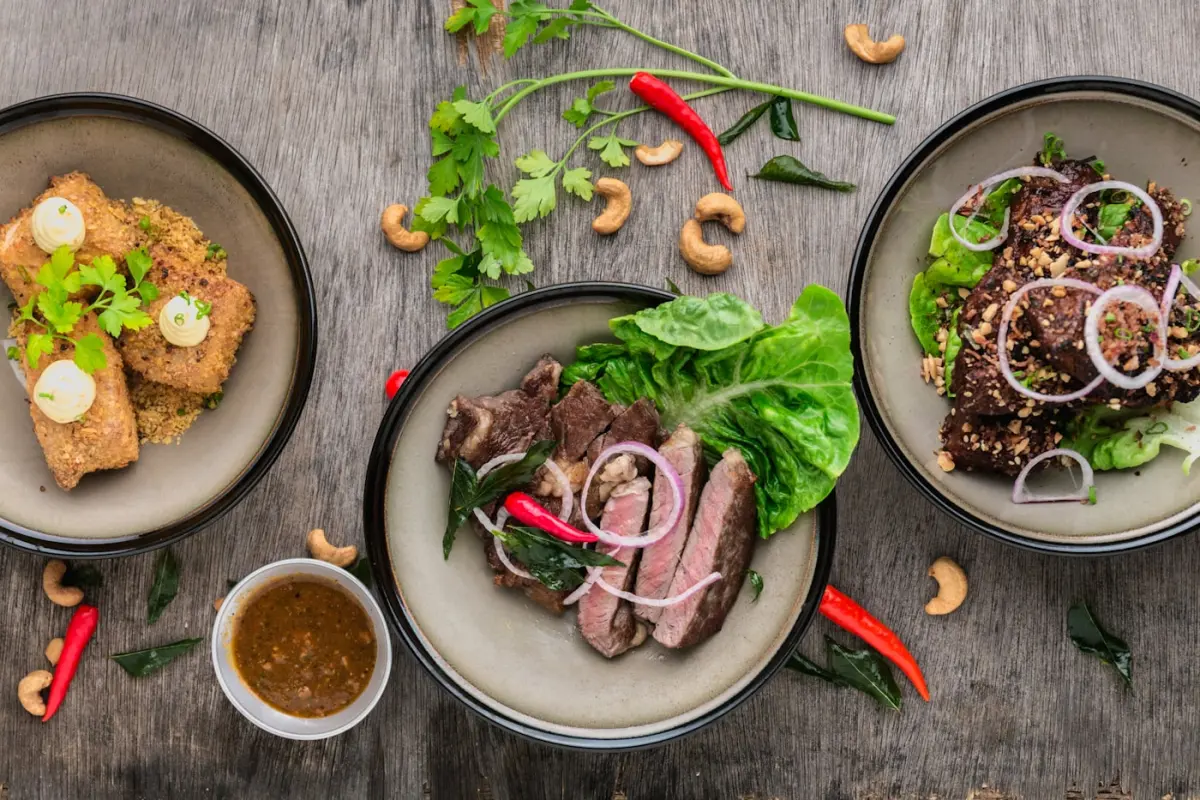
First, what is on the plate. A picture of a brown curry is a picture of a brown curry. Whether it was cooked in a teaspoon of oil or four tablespoons of ghee changes the calories enormously and is completely invisible to a camera.
Second, how much of it there is. Depth, plate size and camera angle all distort volume. A photo taken from above of a small bowl and a photo of a large bowl can look nearly identical.
You, on the other hand, know both answers. You know it was two rotis and not three. You know your mother cooks with more ghee than the restaurant does. Describing the meal hands the app information a photo can never contain.
In practice
And the practical problems
- You forget. Photo logging only works if you photograph the food before eating it. Most missed logs are meals someone remembered thirty minutes too late.
- It is awkward in company. Photographing every plate at a family dinner or a work lunch is a social cost that quietly ends most people’s tracking streak.
- It fails on mixed plates. A thali, a mixed platter or anything layered gives the camera very little to work with.
- Barcodes only cover packets. Scanning is genuinely useful for a packaged snack and useless for the dal you cooked on Sunday.
Describing a meal has none of these failure modes. You can log at any point in the day, from memory, in a queue, without taking your phone out at the table.
What you do instead
| Situation | Photo app | BetterCal |
|---|---|---|
| Home-cooked curry | Guesses the oil and the portion | You say how much, it uses local cooking norms |
| Already eaten it | Too late to photograph | Log it from memory, any time |
| Eating with other people | Photograph every plate | Log it later in one sentence |
| Packaged snack | Scan the barcode | Say the product name |
| Same lunch as yesterday | Photograph it again | One tap from saved meals |
Are photo calorie counters accurate?
They are reasonable at recognising common, clearly separated, Western foods on a plain plate. They get markedly worse with mixed dishes, regional cooking, sauces, and anything where the fat content is not visible.
Our position is not that photo estimation is useless. It is that it solves the wrong problem. The reason people quit calorie tracking is almost never that the numbers were a little off. It is that the logging took too long. A photo does not fix that; it adds a step you have to remember to perform before every meal.
Frequently asked questions
Will BetterCal add photo scanning later?
There are no photo or barcode features in the app today, and the product is built around describing meals rather than photographing them. If that ever changes, this page will say so.
How do I log packaged food without a barcode scanner?
Say or type the product name and the amount: “one packet of Maggi” or “two Marie biscuits”. Once BetterCal has worked a product out, it is in your memory and free to log again.
Is describing food really more accurate than a photo?
For home-cooked and regional food, generally yes, because you supply the two things a camera cannot see: the actual quantity and how it was cooked. For a sealed packaged product with a nutrition label, a database entry will be more precise than either method.
Does BetterCal request camera permission?
No. The app asks for microphone access for voice logging, and optionally for health data to read steps and active calories. There is no camera permission because there is no camera feature.
Start today
Put the camera away. Get the app for iPhone or Android.
Describe the meal instead. Free to start.